
Dr. Binde Ingenieure, Ihre Simcenter Experten Dr. Binde Ingenieure, Ihre Simcenter Experten
  • Why Dr. Binde?
    • Pioneer and number 1 for NX Simulation since 1997
    • Siemens Solution Partner for software and technology
    • Service provider as well as solver developer
    • Reliable partner for approx. 1000 customers
    • Head of the German Simulation User Group
  • Services
    • Simulation Trainings
      • 1. Structural Simulation with Simcenter Nastran
        • 1.1 Training Basic Structural Simulation with Simcenter Nastran Sol101,103,105,106,153
        • 1.2 Training Advanced nonlinear Methods with Simcenter Nastran Sol601/701
        • 1.3 Training Advanced nonlinear methods with Simcenter Nastran Sol401/402
        • 1.4 Training Dynamic Response with Simcenter Nastran Sol107-112
        • 1.5 Training Dynamic Response with Simcenter Nastran Sol103-Response
        • 1.6 Training Analysis of Laminates with Simcenter Nastran
        • 1.7 Training Durability Analysis with Simcenter Specialist Durability
      • 2. CFD and Thermal Simulation
        • 2.1 Training Computational Fluid Dynamics (CFD) with Simcenter Flow
        • 2.2 Training Thermal Analysis with Simcenter Thermal
        • 2.3 Training Coupled thermal/fluid analysis with Simcenter Thermal/Flow/ESC
        • 2.4 Training Coupled Thermo/Fluid Analysis with Simcenter FLOEFD
      • 3. Electromagnetic Simulation (EM)
        • 3.1 Training Basic Electromagnetics (EM) Analysis with Simcenter NX-Magnetics
        • 3.2 Training EM Thermal Analysis with Simcenter NX-Magnetics
        • 3.3 Training Analysis of Electrical Machines with Simcenter NX-Magnetics
        • 3.4 Training High Frequency EM analysis with Simcenter NX-Magnetics
      • 4. MKS motion simulation
        • 4.1 Training Kinematics for Designers with Simcenter Motion
        • 4.2 Training Multi-body Dynamics with Simcenter Motion
        • 4.3 Training Mechatronics Concept Designer
        • 4.4 Training Animation Designer
      • 5. FEM Simulation for Designers
        • 5.1 Training FEM Single Part Analysis with Performance Predictor
        • 5.2 Training FEM for Designers with NX
      • 6. Simulation Data Management (SDM)
        • 6.1 Training SDM with Teamcenter for Simulation
      • 7. Specialty Training
        • 7.1 Training CAD Methods for Simulation Engineers
        • 7.2 Training Advanced Meshing
        • 7.3 Training NX Open Programming and Interfaces to Simcenter
        • 7.4 Training Topology Optimization
        • 7.5 Training Individual
    • Training Calendar
    • Engineering
    • Consulting
    • Support
    • Technology Integration
  • References
    • Reference Projects
    • Letters of Recommendation
  • Downloads
    • Training Examples
    • Training Catalog
    • Specialist Lectures
  • About us
    • Consultants
    • Scientific Advisory Board
    • History
    • Career
    • Contact, Impressum
    • Sitemap

Support

We support engineers and designers in day-to-day business with simulations and everything that goes with them. We have numerous simulation experts for the broad spectrum of computer-aided simulation with the software tools from Siemens PLM Software GmbH, i.e. the Simcenter program series.

The Dr. Binde engineers support you - our customers - with practical work:

  • Right from the start of a calculation project, in order to rule out errors and implement the best strategy
  • when installing the software
  • for questions about the operation of the programs
  • in finding and interpreting errors or error messages
  • when checking and evaluating the simulation results
  • when optimizing the models

In addition to their support activities, all of our support engineers also work as calculation engineers themselves, for example in the context of simulation projects that we carry out on behalf of our customers. Therefore, they are always up-to-date and can advise very well with their extensive know-how.
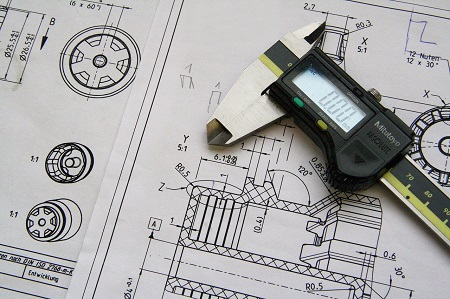
The best way to contact us is by direct phone call or, of course, by e-mail. You usually have a competent contact person on the phone immediately. In the case of special topics, we will probably "pass you around" in the team to the right specialist who can help you. You may also speak to your former trainer who you already know, which makes things even easier.

Customervoices

  • SkyWind
  • Siemens AG - Corporate Technology
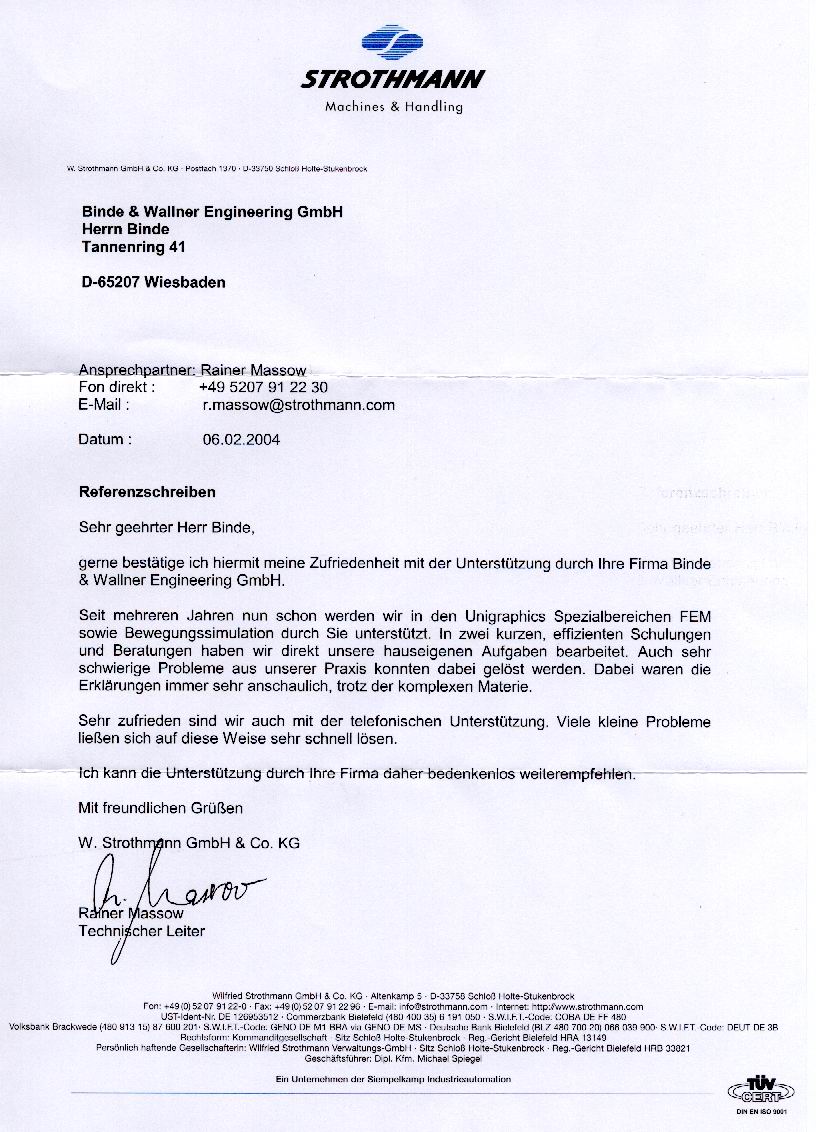
  • Strothmann GmbH & Co KG

Select your language

  • Français (France)
  • de-DE
  • 简体中文(中国)
  • English (United Kingdom)
© by Simcenter.expert | Powered by Dr. Binde Ingenieure GmbH | All rights reserved
  • Why Dr. Binde?
    • Pioneer and number 1 for NX Simulation since 1997
    • Siemens Solution Partner for software and technology
    • Service provider as well as solver developer
    • Reliable partner for approx. 1000 customers
    • Head of the German Simulation User Group
  • Services
    • Simulation Trainings
      • 1. Structural Simulation with Simcenter Nastran
        • 1.1 Training Basic Structural Simulation with Simcenter Nastran Sol101,103,105,106,153
        • 1.2 Training Advanced nonlinear Methods with Simcenter Nastran Sol601/701
        • 1.3 Training Advanced nonlinear methods with Simcenter Nastran Sol401/402
        • 1.4 Training Dynamic Response with Simcenter Nastran Sol107-112
        • 1.5 Training Dynamic Response with Simcenter Nastran Sol103-Response
        • 1.6 Training Analysis of Laminates with Simcenter Nastran
        • 1.7 Training Durability Analysis with Simcenter Specialist Durability
      • 2. CFD and Thermal Simulation
        • 2.1 Training Computational Fluid Dynamics (CFD) with Simcenter Flow
        • 2.2 Training Thermal Analysis with Simcenter Thermal
        • 2.3 Training Coupled thermal/fluid analysis with Simcenter Thermal/Flow/ESC
        • 2.4 Training Coupled Thermo/Fluid Analysis with Simcenter FLOEFD
      • 3. Electromagnetic Simulation (EM)
        • 3.1 Training Basic Electromagnetics (EM) Analysis with Simcenter NX-Magnetics
        • 3.2 Training EM Thermal Analysis with Simcenter NX-Magnetics
        • 3.3 Training Analysis of Electrical Machines with Simcenter NX-Magnetics
        • 3.4 Training High Frequency EM analysis with Simcenter NX-Magnetics
      • 4. MKS motion simulation
        • 4.1 Training Kinematics for Designers with Simcenter Motion
        • 4.2 Training Multi-body Dynamics with Simcenter Motion
        • 4.3 Training Mechatronics Concept Designer
        • 4.4 Training Animation Designer
      • 5. FEM Simulation for Designers
        • 5.1 Training FEM Single Part Analysis with Performance Predictor
        • 5.2 Training FEM for Designers with NX
      • 6. Simulation Data Management (SDM)
        • 6.1 Training SDM with Teamcenter for Simulation
      • 7. Specialty Training
        • 7.1 Training CAD Methods for Simulation Engineers
        • 7.2 Training Advanced Meshing
        • 7.3 Training NX Open Programming and Interfaces to Simcenter
        • 7.4 Training Topology Optimization
        • 7.5 Training Individual
    • Training Calendar
    • Engineering
    • Consulting
    • Support
    • Technology Integration
  • References
    • Reference Projects
    • Letters of Recommendation
  • Downloads
    • Training Examples
    • Training Catalog
    • Specialist Lectures
  • About us
    • Consultants
    • Scientific Advisory Board
    • History
    • Career
    • Contact, Impressum
    • Sitemap

We use cookies

We use cookies on our website. Some of them are essential for the operation of the site, while others help us to improve this site and the user experience (tracking cookies). You can decide for yourself whether you want to allow cookies or not. Please note that if you reject them, you may not be able to use all the functionalities of the site.

Essential Always on
Necessary for the operation of the website. These cookies cannot be disabled.
Functional
Enable convenient features and the storing of preferences.
Statistics
Help us understand how visitors use the website (audience measurement).
Marketing
Used for advertising and tracking visitors across websites.
Other
CookieHint and Consent by reDim GmbH (Opens in a new window)